Organizational chart

AppSite SDK
The platform layer every module is built on — sign-in, tenant workspaces, permissions and the registry that tells each module where it lives.
Open the SDK →every header card below, as filtered
Holds43 modules · 197 functions
Cyber Check197 lines in review
Sales & Marketing
Win the customer — leads, storefront and publishing.
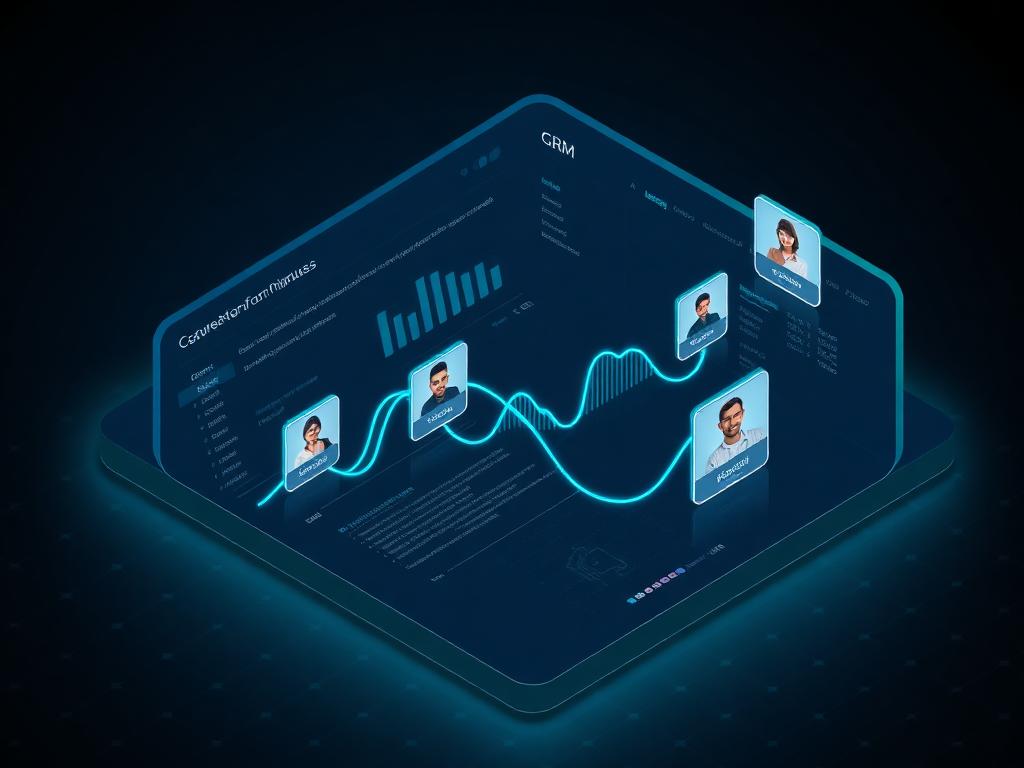
CRM
Unified customer relationships and pipeline visibility.
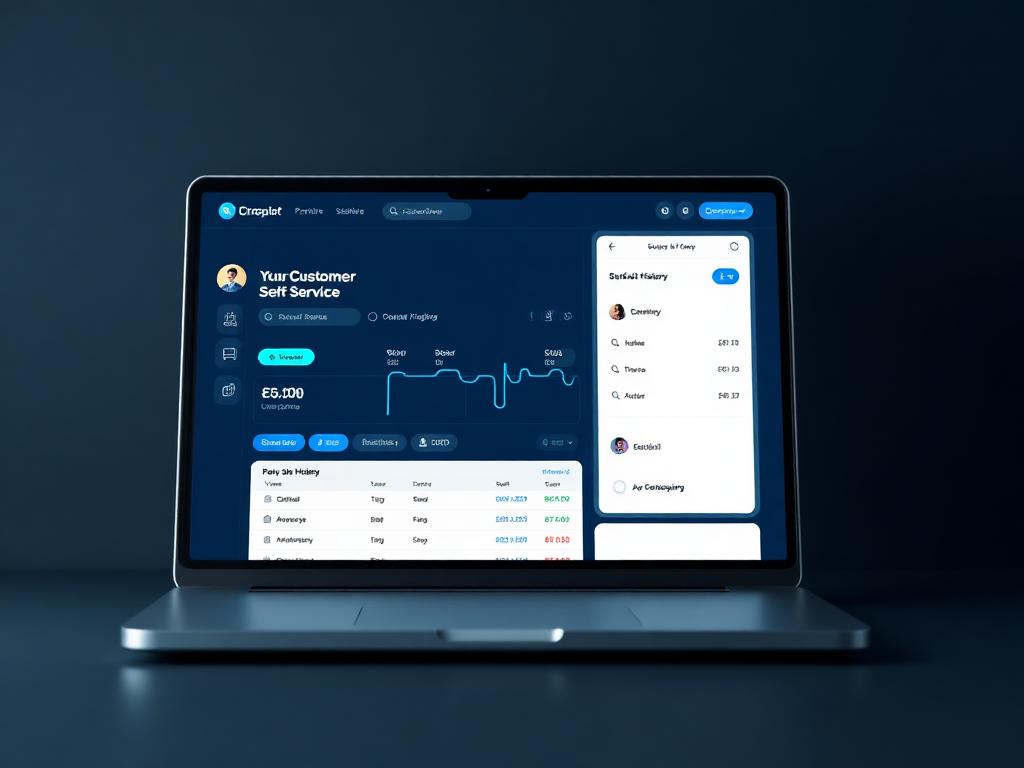
Customer Portal
The surface your customers and your people actually own.

Marketplace
List and sell products, services, and offerings in a centralized marketplace.
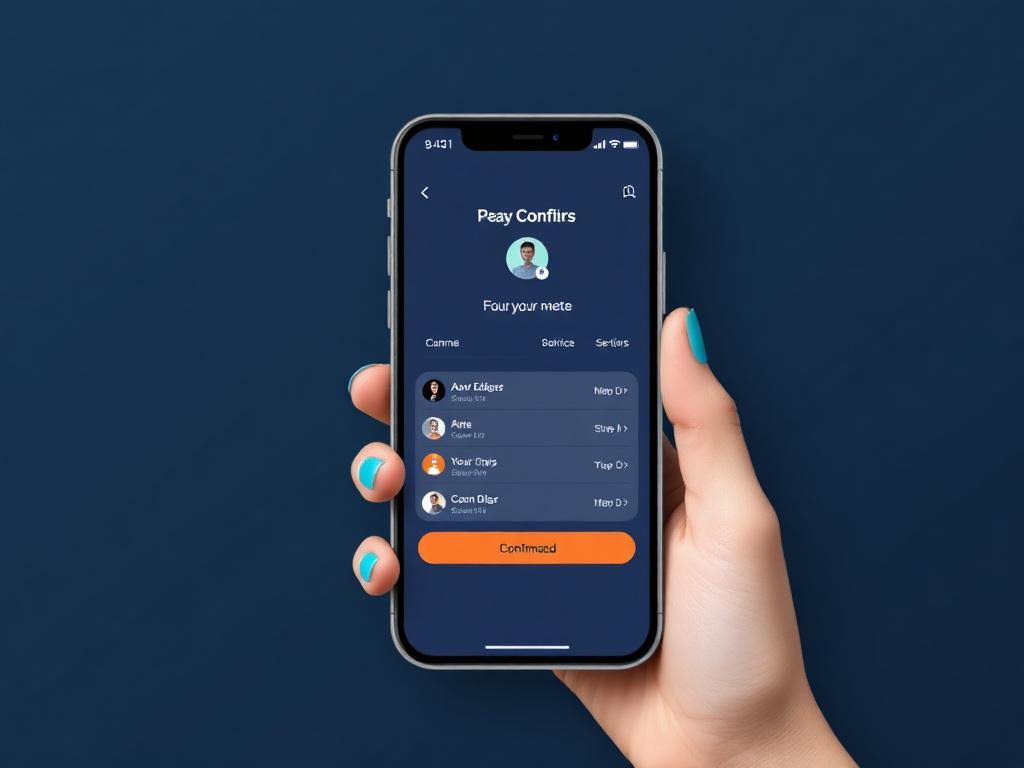
Offerings
The catalogue of what you sell, priced once and posted correctly.

Events
Workshops, webinars and customer events, in one catalog.

Social Media
Post everywhere, print postcards, and see what worked.
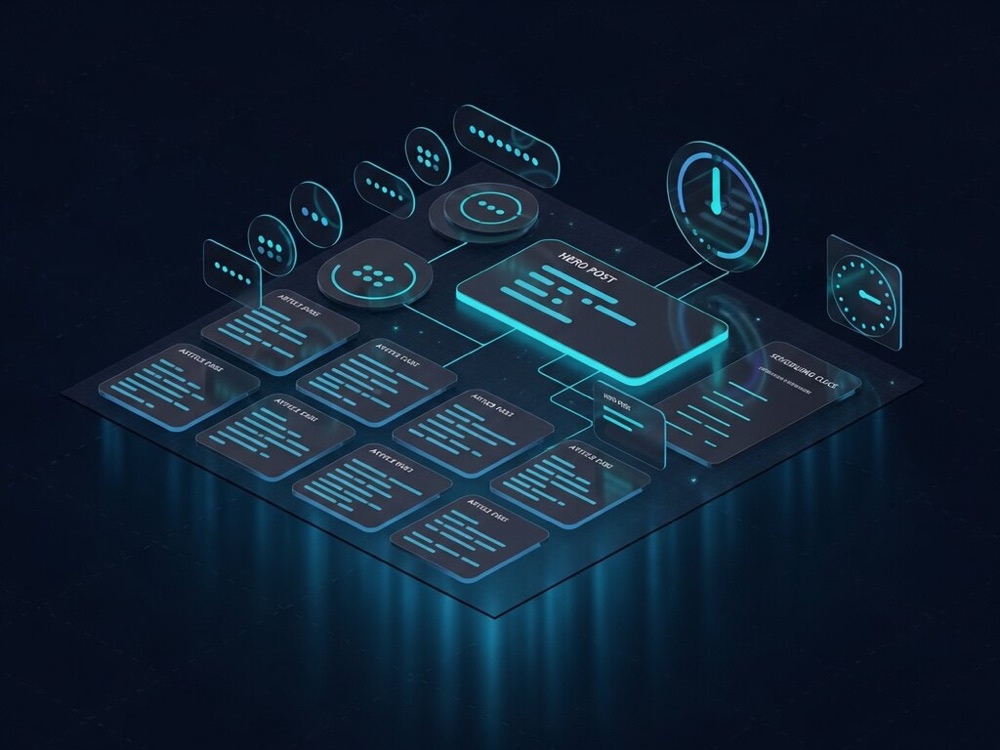
Blogs
Write it, polish it, publish it.

Podcast
Plan, record, and publish your podcast - guests, schedule, AI content.

Studio
Creative workspace for site content, media, and launch-ready tenant experiences.

Gallery
One image service for every app, with themes to match.
Operations
Deliver the work — jobs, schedules, stock and the yard.
Service Orders
Work orders that price themselves, from intake through to the ledger.
Scheduling
Calendars that know about the work, not just the time.
Tech Portal
The technician’s view of the day.

Inventory
Whole goods, one unit at a time.
Purchasing
Purchase orders that end up in stock and in the ledger.

Products
One catalogue for what you sell, buy and stock.

Storage
The yard, the units and every rental agreement.
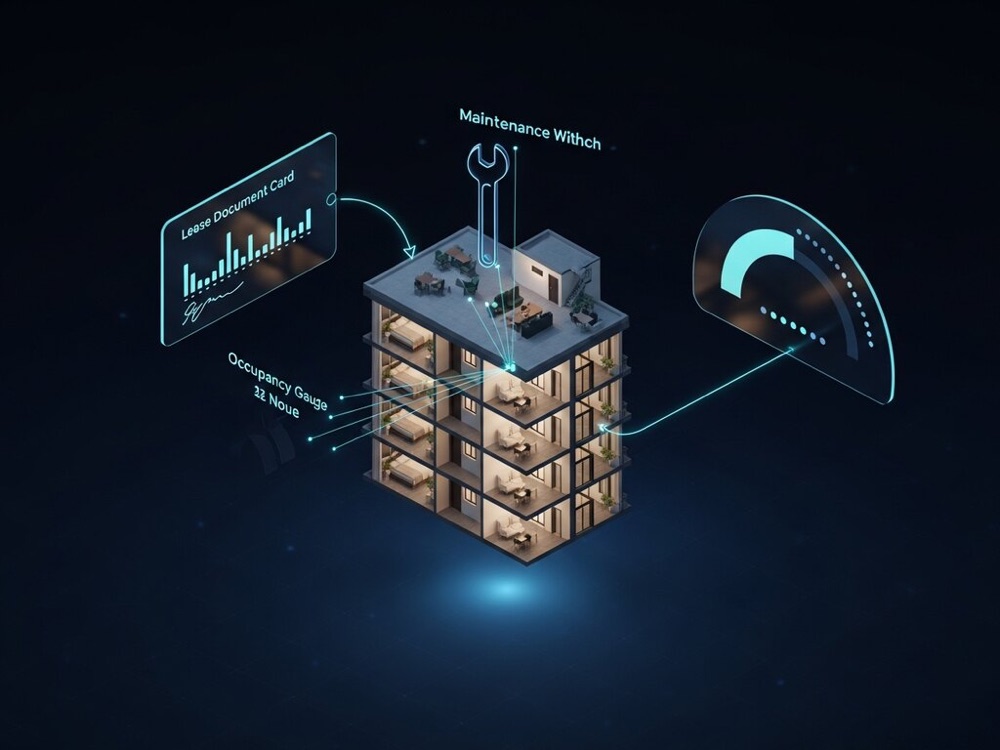
Property
Properties, assets, work orders, jobs and vendors — the upkeep of a portfolio.
Finance & Governance
Manage the money — billing, books, reports and ownership.
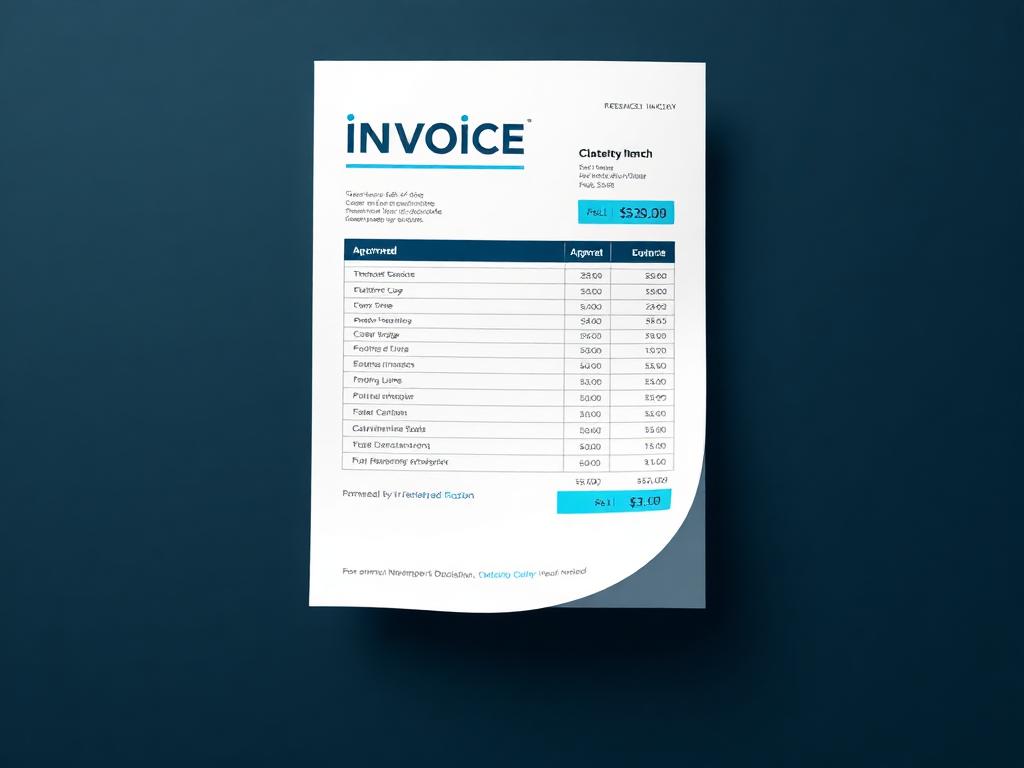
Invoices
Invoices built from the work, numbered in sequence, posted to the ledger.

Payments
Payments matched to the invoice and the bank account they landed in.

Plans
Subscription plans priced for where the buyer actually lives.

Subscriptions
Every vendor you pay, and what each one costs you.

Expenses
Photograph a receipt; it files itself.
Payroll
AppSite Payroll module
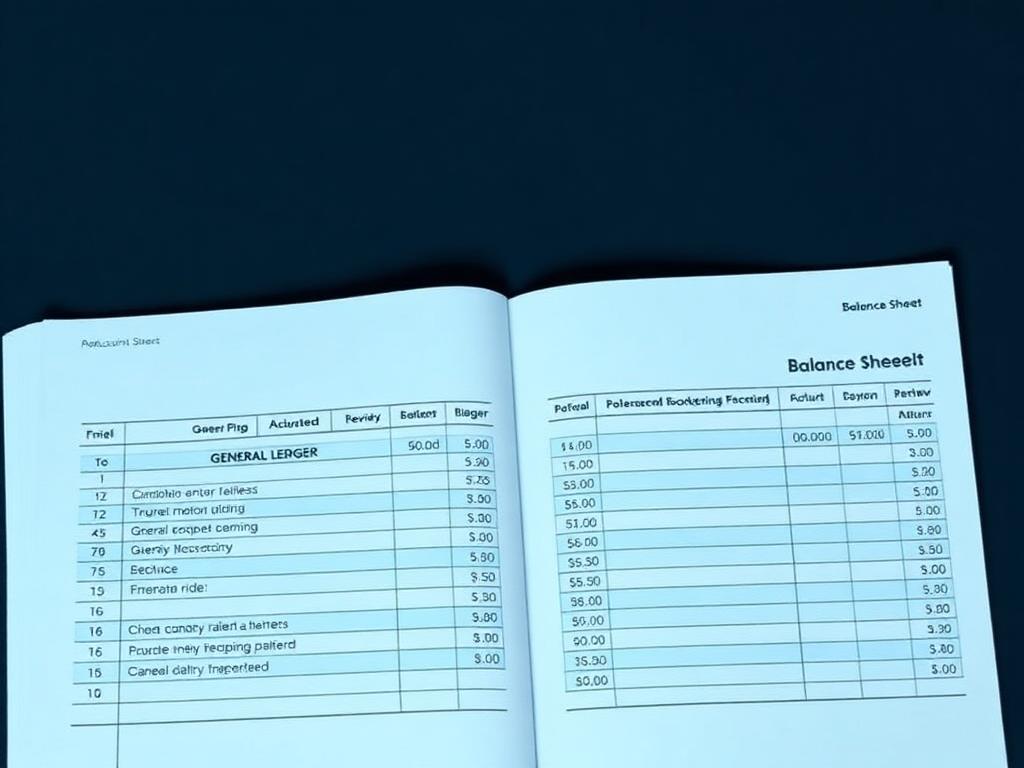
Books
One master chart of accounts, many divisions, one consolidated company.
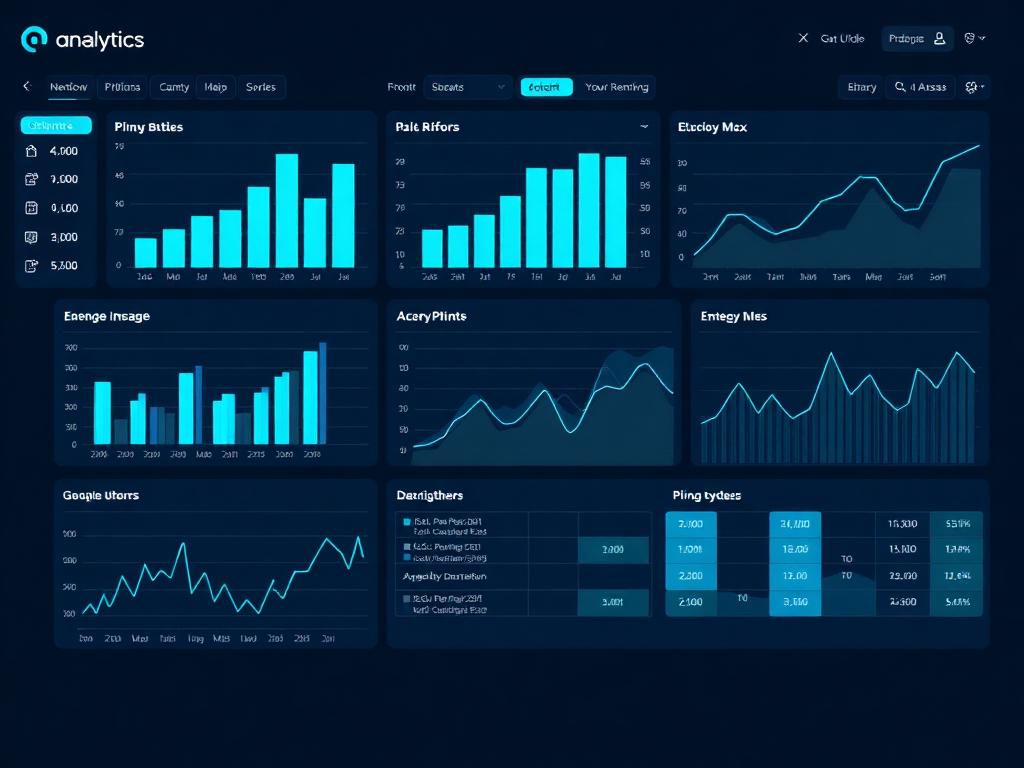
Reports & Analytics
Business intelligence dashboards and exportable reports.

Stakeholders
Who owns the company, who runs it, and who is next.
Workspace & Technology
Run the team — the shared desk, training, AI and security.

Hub
Tenant landing page - all your connected apps in one place.

Desk
Dual-pane split desktop — view and navigate any two modules side by side.

Chat
Your team and your customers, in one conversation.

Docs
Documents your whole company can find — and sign.

Training
Learn the platform with the platform open beside you.

Agents
Human and AI agents on one roster.

AI
AI that knows your business, and bills to the job that used it.

Developer
Run the platform's engineering from inside AppSite. Repositories and branches, cloud and hosting, keys and the module registry — in one place.

Cybersecurity
Security you can hand to a buyer, an insurer or a regulator.
More
Newer modules not yet placed in a department.
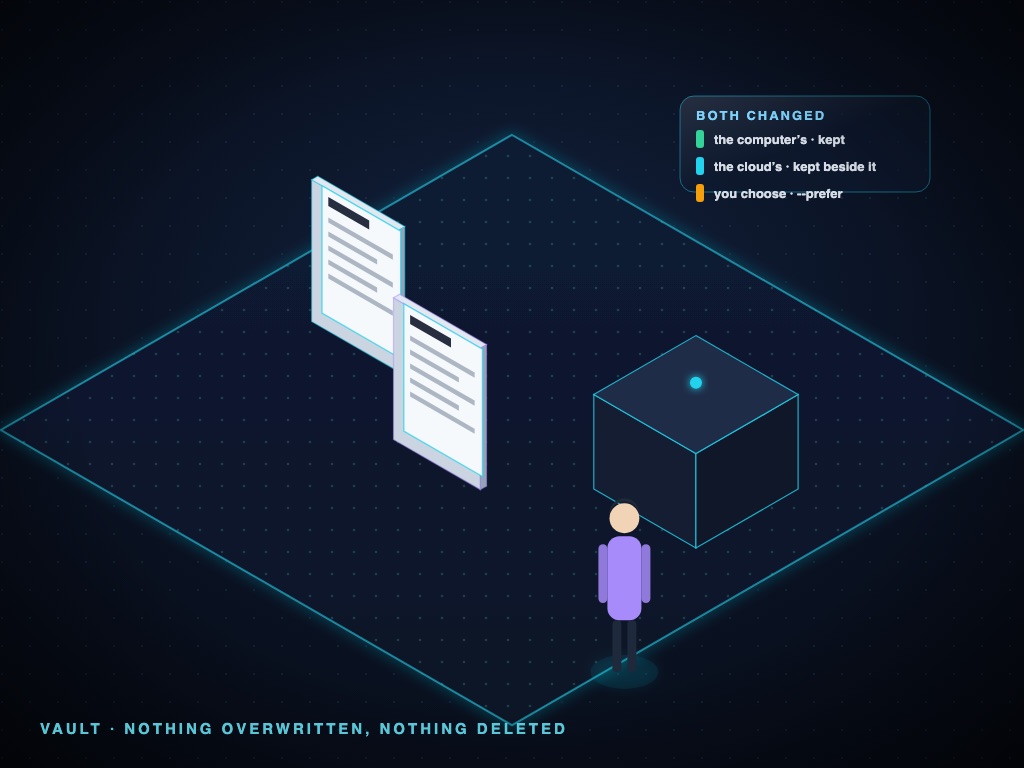
Vault
Offline copies that stay in step with the cloud: files and Firestore data on your computer, in sync, with what it costs.
Plans (public)
The public AppSite plans page
Design
CAD in your browser: sketch, model and share 2D and 3D designs.
Server
A server on a computer you own: your Vault, your AI working space and your devices, kept safe and watched.
Display
Control every screen: each display has a location and a screen ID, queue what it shows, and send your own screen to another display.
OS
Start any computer or device with one prompt: say what you want to do and it sets itself up for that.
Bricks
Blueprint an app from ready-made bricks, see the price, and press Go.
Cyber Check has not reviewed these lines yet — each one gets its mark as it is judged against the code.